Most business owners don’t wake up one morning and decide to build a siloed architecture. It happens by accident. You pick a CRM because it was the easiest option for sales. You add an accounting tool because it handles invoices better than the last one. Then, you hire a marketing agency that insists on their own project management platform. Individually, these tools are fine. Collectively, they become a cage for your information.
A system silo isn't just about software that doesn't "talk" to each other. It’s about the human cost of bridging those gaps. Every time a team member copy-pastes a client name from your email into your billing software, you are paying for that task twice: once for the software, and once for the human. At scale, this is not just inefficient; it creates a drift where your data in the CRM stops matching your data in the accounting system.
If your end-of-month reporting requires a dedicated meeting just to figure out whose numbers are correct, your data is siloed. When you have two sources of truth, you actually have zero. You end up making decisions based on spreadsheets that were manually updated, which is where errors thrive. If you find your managers spending hours "fixing" data before they can start analyzing it, you have identified the primary symptom of system friction.
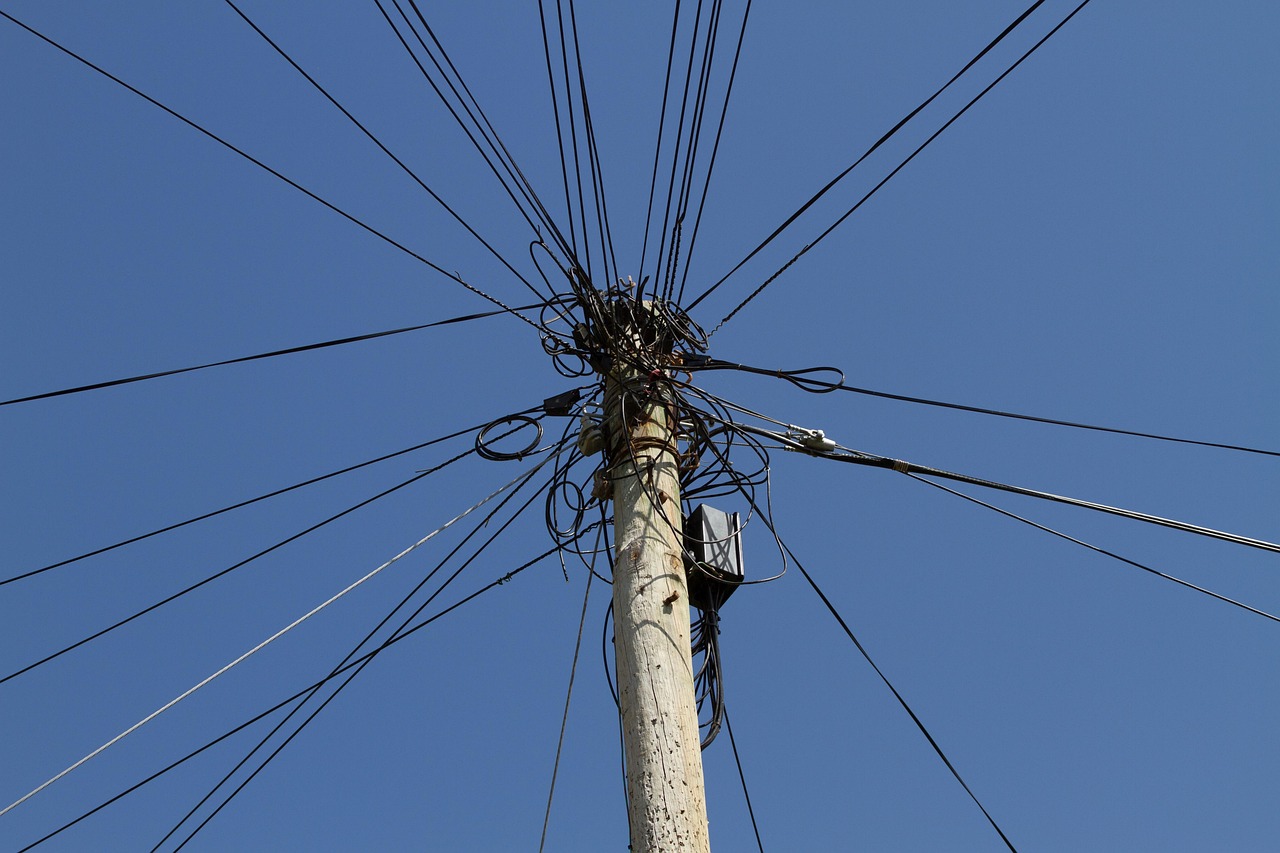
Look at your core operational workflows. How many people touch a single piece of information between the moment a lead enters your system and the moment a product is delivered? If that information requires a human to manually move it from one portal to another, you are creating a bottleneck. Every handoff is a place where data can be lost, misunderstood, or delayed. Systems Integration exists specifically to remove these manual handoffs.
You don't need a massive audit to know you have a problem. Start by watching how your team actually works. Ignore the official SOPs for an hour and look at the browser tabs they keep open.
These issues are often framed as "people problems." They aren't. They are design problems. You cannot expect a team to be efficient if their environment forces them to act as a human API between tools that should be connected.

Fixing this doesn't mean deleting all your software and starting over. In fact, that’s a common mistake. You don't need a total Digital Transformation immediately; you need to start by identifying which connections provide the highest return on investment.
Start by mapping your data. Identify the one piece of information that, if it moved automatically between your two most-used tools, would save the most time. Is it new leads arriving in your CRM? Is it invoice statuses syncing with your accounting software? Once you identify that flow, you can build a bridge between them. You don't need to connect everything at once.
Before you commit to new software, consider these trade-offs:
The goal isn't to have a perfectly "tech-heavy" business. The goal is to have a business that works without constant human intervention on mundane tasks. Your team should be spending their energy on solving customer problems, not on data entry.
If you are tired of patching holes between your tools and want a practical look at how to connect your infrastructure, we can help. We work with business owners to bridge these gaps without the fluff.
Next Step: Book a consultation to review your current toolset and identify which specific system silos are costing your team the most time.
Digital transformation Abuja is the process of updating how your business handles daily tasks so your technology actually supports your work instead of hindering it. Many...
All 5 articles on Digital Transformation